2. Create a project
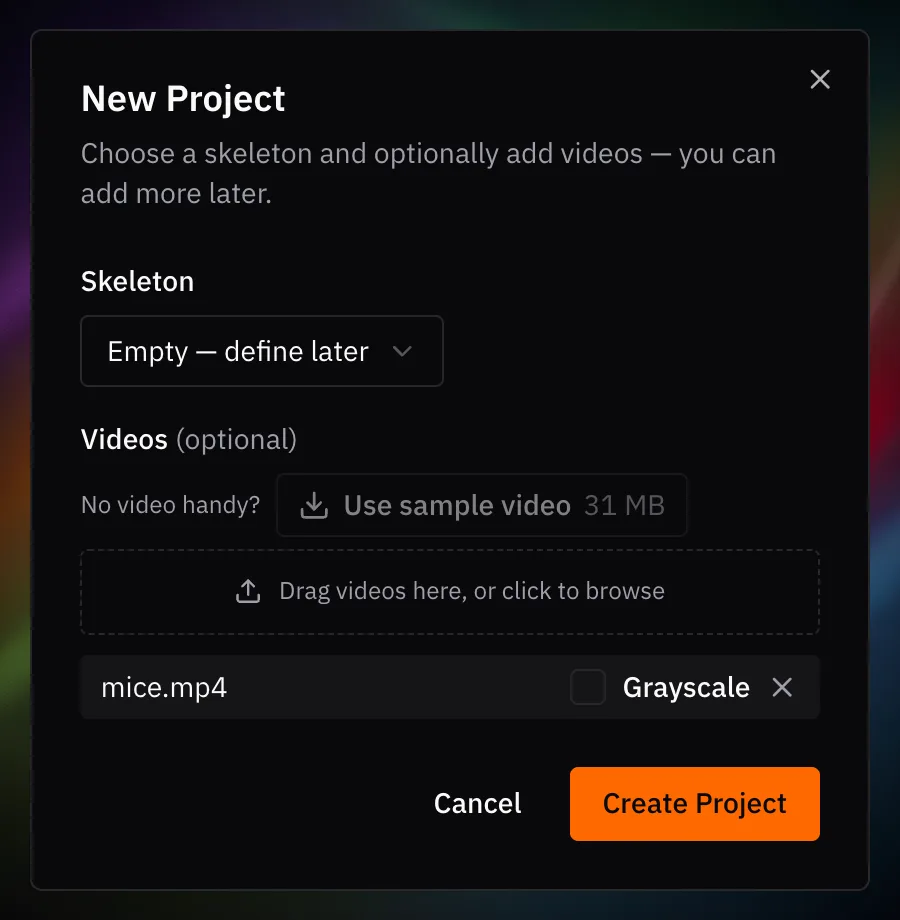
- On the Welcome screen, click New Project (or File ▸ New Project…).
- Leave Skeleton on Empty — define later. You'll draw one in the next step.
- Click Use sample video. It downloads
mice.mp4and adds it to the list. - Click Create Project.
- Save with Cmd+S / Ctrl+S. The save dialog suggests
labels.v001.slp.
A SLEAP project is a .slp file. It stores your labels and the paths to your
videos, not the videos themselves. To pick up where you left off, open it with
File ▸ Open Project….
Next up: Initial labeling